
How to integrate WhatsApp with Salesforce: step by step
Step-by-step guide to integrating WhatsApp with Salesforce: native and API options, service best practices, and how to centralize leads and conversations in the CRM.

WhatsApp has become the preferred channel for millions of people. In the day-to-day work of sales and service teams, it is natural for conversations to move there. Integrating that dialogue with Salesforce provides a complete customer view, centralized history, and faster responses. And it is not just talk. The official partnership announced between the two platforms in 2022 brought the WhatsApp API into Customer 360, with promotional messages, support, and conversational commerce, as noted in the official announcement of the partnership between Salesforce and WhatsApp.
I have seen teams double their response rate when they stop jumping between screens. It sounds simple. And that is precisely what works.
 Why integrate and how it affects the routine
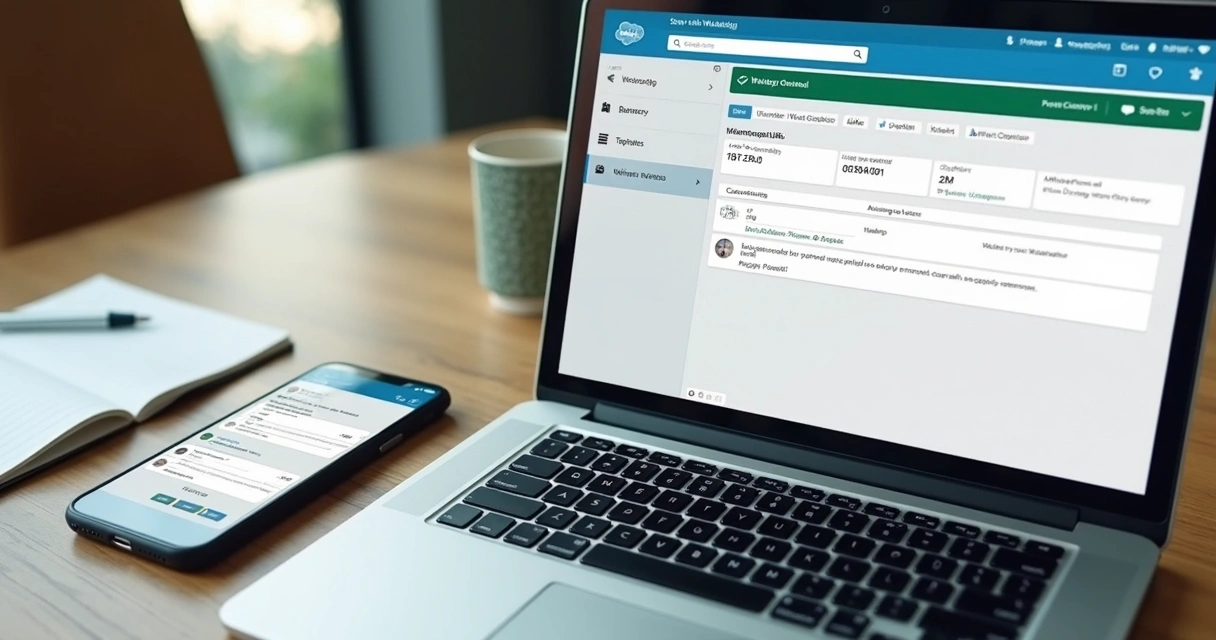
When WhatsApp enters the Salesforce workflow, every message becomes useful data. Cases open automatically, leads are updated and opportunities gain notes. The team does not lose context, and customers receive a response at the right time.
With Unified Conversations for WhatsApp, available since April 2024, takes communication beyond broadcasting and turns it into a bidirectional conversation on a single number, uniting marketing and service with the customer profile unified by Data Cloud, according to the official Salesforce announcement.
Good conversation delivers results.
Integration step by step
1. align prerequisites
- Have a WhatsApp Business account with a verified number and an active business account on Meta's platform.
- Ensure administrator access in Salesforce and licenses for Messaging and Service Cloud. If you have questions about the scope of Service Cloud, this guide can help: what Service Cloud is and when to use it.
- Define which teams will use the channel and their objectives: support, sales, collections or campaigns.
2. configure the channel in Salesforce
- Go to Setup and open Messaging.
- Add a new channel of the type WhatsApp and associate the approved number.
- Register transactional message and notification templates. Use clear, concise language.
- Map the relationship with objects: Case, Lead, Contact or a custom object.
3. connect webhooks and API
For real-time events, configure receipt and read webhooks. If your scenario requires integrations with other systems, the Salesforce API documentation and best practices help structure the data flow. I usually test in a sandbox first. It avoids surprises.
4. design the conversation experience
- Omni-Channel routing, priority queues, and business hours.
- Quick replies and macros for frequently asked questions.
- Bots and intelligent flows for triage and data collection. Weenow has already designed journeys that combine AI with human handoff, and the reduction in response time is clear.
5. ensure governance and monitoring
- Define profiles and permissions. Who can view, export, or delete conversations?
- Create dashboards for first response time, resolution rate, and satisfaction.
- Model the knowledge base and update it whenever a new recurring question arises.
If you prefer to accelerate with a partner, the Weenow Salesforce implementation covers everything from configuration to integration with ERPs, BI, and payment gateways, with ongoing support.
Best practices that make a difference
Start with opt-in
Request contact permission and record the source. Avoid cold messages. Provide simple opt-out alternatives. This protects the brand and maintains channel quality.
The right message at the right time
- Transactional updates at the time of the event.
- Campaigns with segmentation and frequency limits.
- Moderate use of media. Images and PDFs help, but without overdoing it.
One conversation, multiple departments
Marketing and service using the same number? It can work. Use tags and clear handoff rules. The Unified Conversations mentioned earlier ensures this single view, reducing friction between teams.
Metrics that matter
- First-response time and first-contact resolution rate.
- CSAT and NPS by channel.
- Opt-in and blocking rates.
- Conversion by WhatsApp campaign.
Security and compliance
- Encryption in transit and secure attachment storage.
- Profile-based access controls and audit logging.
- Retention policies and masking of sensitive data.
There is a practical guide to integration and governance in the article CRM integrated with WhatsApp. It is worth bookmarking.
Common mistakes you can avoid
- Using an unverified number and losing customer trust.
- Sending an overly long template and making it hard to read on mobile.
- Mixing an aggressive offer into a support conversation without context.
- Not training the team on the Salesforce console and macros.
- Lack of sandbox testing. I know, it is tempting to go straight to production. But do not take the risk.
 Quick use cases
- Customer Service: automatic case opening when the customer sends "I need help."
- Sales team: proposal reminder, meeting confirmation, and catalog delivery.
- Collections: post-due-date cadence with an option to issue a second copy.
- Education: enrollment, documents, and class announcements.
- Retail: order status, exchanges, and recommendations.
At Weenow, we see these scenarios in finance, education, construction, energy, agribusiness and retail. Every sector has its own pace. The secret, I believe, is to map journeys and prioritise what delivers results faster. There are several practical learnings in our Salesforce management category.
Conclusion
Integrating WhatsApp with Salesforce means uniting the channel customers already use with the platform your team knows. You gain context, metrics, and predictability. Start small, test templates and flows, and adjust based on data. Soon, conversation becomes relationship and relationship becomes revenue.
If you want to move faster with security and agility, count on WeeNow. We are official Salesforce partners and deliver tailored architectures, with integrations, AI-powered automation, and ongoing support. Talk to us and discover how to turn your conversations into results.
Frequently asked questions
How do you integrate WhatsApp with Salesforce?
In Salesforce, open Setup, go to Messaging and add a WhatsApp channel with the verified number. Register templates, configure webhooks, relate the channel to objects such as Case and Contact, and define routing in Omni-Channel. If you need a technical overview, the content on Salesforce API helps with integration points.
Do I need to pay to integrate WhatsApp?
There are Salesforce licensing costs for Messaging and possible per-message fees on the WhatsApp Business platform. The amount varies by volume and region. Plan your budget and validate limits before scaling campaigns.
What are the best integration practices?
Collect opt-in, use objective templates, define queues and SLAs, create macros and quick responses, track response-time and satisfaction metrics, and protect data with profiles and auditing. The article CRM integrated with WhatsApp provides a practical guide.
Does the integration work with WhatsApp Business?
Yes. The channel was designed for use with WhatsApp Business and enables transactional messages, notifications, and two-way conversations. It includes capabilities such as Unified Conversations to bring marketing and support together on one number, a topic covered in the official Salesforce announcement.
How can security be ensured in the integration?
Enable encryption in transit, control profile-based access, log audits, apply retention policies, and validate webhooks and source IPs. For the everyday design of roles and governance, the Weenow Salesforce implementation can support correct configuration from the very beginning.
Continue reading
Related posts

MuleSoft and Salesforce: what they are and how to integrate systems and data
What MuleSoft is, how it integrates Salesforce with other systems through API-led connectivity, what changes with Agent Fabric in the AI era, and how to adopt it with governance. WeeNow's enterprise guide.

Salesforce for Ecommerce: Guide to Solutions and Integrations
Discover Salesforce Commerce Cloud solutions for ecommerce, integrating CRM, ERP, AI, inventory and automation.

Salesforce Bulk API vs SOAP: When to Use Each?
Compare Salesforce Bulk API and SOAP API for large loads, automation and integrations in CRM, ERP and high performance.