
Salesforce Bulk API vs SOAP: When to Use Each?
Compare Salesforce Bulk API and SOAP API for large loads, automation and integrations in CRM, ERP and high performance.

The Salesforce data integration experience can be simpler — and less frustrating — when we understand the main options available. Over the years I have worked on projects in different industries, including as a Weenow partner, I have seen how the choice between the Bulk API and SOAP API can determine the success of an integration, migration, or automation project.
Today, I want to share my perspective on the practical differences between these two Salesforce APIs, showing the best use cases, strengths, limitations, and best practices that I have recommended (and used!) for many clients in corporate environments, ERPs, CRMs, and large data operations.
Understanding Salesforce APIs in practice
In the Salesforce ecosystem, APIs are the channel through which external systems can send, receive, update, or query records. Among the most commonly used APIs are the SOAP API and Bulk API—each designed for very different scenarios.
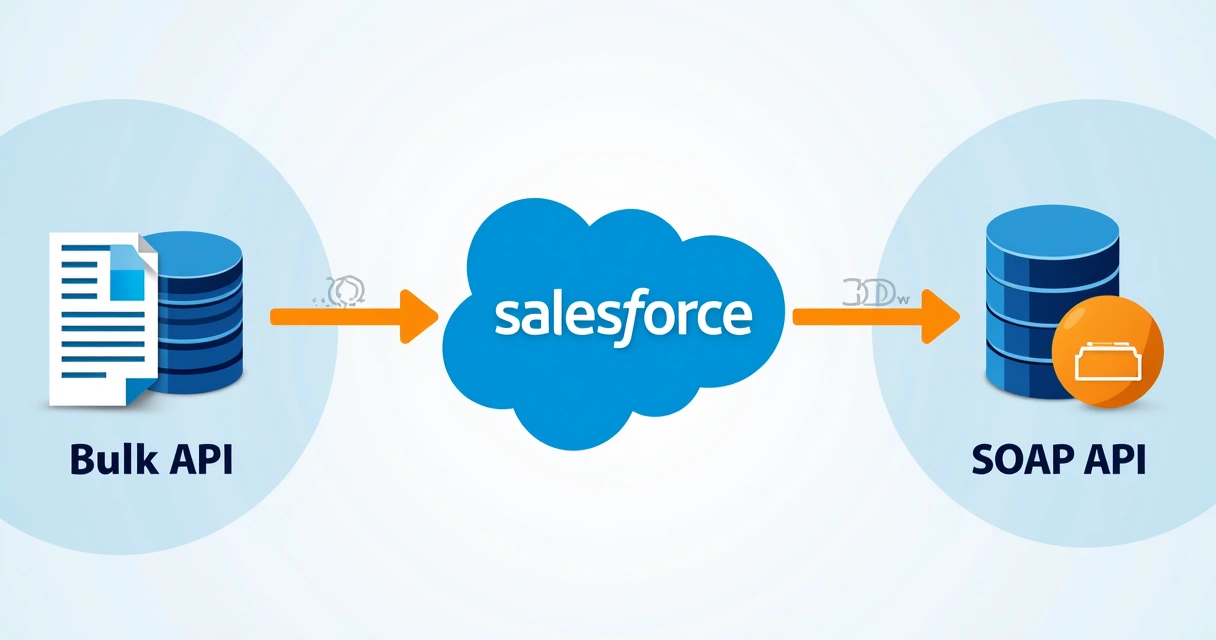
As I have seen in large, complex projects, the Bulk API was developed for high-volume data loads. The SOAP API, on the other hand, is excellent for traditional, transactional integrations and routine automation. Understanding this difference in purpose is the starting point.
 When should you choose the Bulk API?
If you have ever needed to import or export hundreds of thousands, or even millions, of records in Salesforce, you know that traditional methods would struggle to process that volume. Bulk API solves this by splitting data into small batches and processing them asynchronously.
- Data migrations between legacy systems and Salesforce
- Integration of ERP and CRM systems that need to synchronize large volumes of information
- Periodic routines for updating massive datasets, such as customer, product, or contract databases
- Automations involving intensive data movement (e.g., bulk imports of leads or opportunities)
I remember a project in the financial sector where Weenow needed to update millions of records in just a few hours during a limited maintenance window. Without the Bulk API, it would have been impossible.
Clear advantages of the Bulk API
- Asynchronous processing: the job runs in Salesforce without relying on the initiator's active connection.
- Scalability: suitable for processes above 10,000 records (often up to millions).
- Automation through CSV files: easy integration with systems that already export in this format.
- Lower impact on API call limits by registering fewer requests.
- Essential monitoring and reprocessing: it lets you track the status of each submitted batch or job.
If volume is the challenge, the Bulk API is, in most cases, the ideal answer.
So when is SOAP API the best choice?
Although Bulk API is highly compelling for high-volume scenarios, transactional integrations remain essential. SOAP API is perfect in situations where you need to read, retrieve, create, update, or delete just a few records at a time—and need synchronous confirmation, detailed responses, and transactional control.
I use the SOAP API whenever integration requires real-time interaction or small batches, where detailed error handling, response control, and interoperability through SOAP Web Services are priorities.
- Master-data integrations between Salesforce and ERPs (when they involve few records per event)
- Creating or updating contacts or opportunities in response to automation flows
- Third-party applications that consume or write individual records (e.g., education, healthcare systems, etc.)
- Operations in which transactions depend on sequential guarantees and confirmations
I have implemented SOAP integrations for order synchronization, notification delivery, and detailed searches—situations where this API's robustness and level of detail are valuable.
Key technical and conceptual differences
In practice, I have noticed a few fundamental contrasts when evaluating the Bulk API compared with Salesforce SOAP API:
- Volume: SOAP API is limited to up to 200 records per operation; Bulk API accepts thousands of records per batch.
- Transactional capability: SOAP handles atomic transactions and provides immediate feedback; Bulk is asynchronous, processes in the background, and returns results in due course.
- Data format: SOAP uses structured XML; Bulk uses CSV files — simple for batch loads.
- Error handling: SOAP returns a detailed error for each record; Bulk provides an overall return file indicating success or failure for each CSV row.
- Limits: Bulk API is optimised to consume fewer daily API limits, a critical factor in large-scale operations.
- Speed: Due to its asynchronous nature, the Bulk API can take longer to finish, but it processes much more data in parallel.
SOAP is precision. Bulk is scale.
Practical example: ERP and Salesforce integration
Imagine a corporate ERP synchronizing two processes with Salesforce: one to update the complete catalog of all products (hundreds of thousands of rows) and another to register orders one at a time, in real time.
In my view, mass product imports should use the Bulk API, with CSV files sent periodically, while creating individual orders can take advantage of the SOAP API for immediate feedback and greater control.
 How do asynchronous processing and job management work in Bulk API?
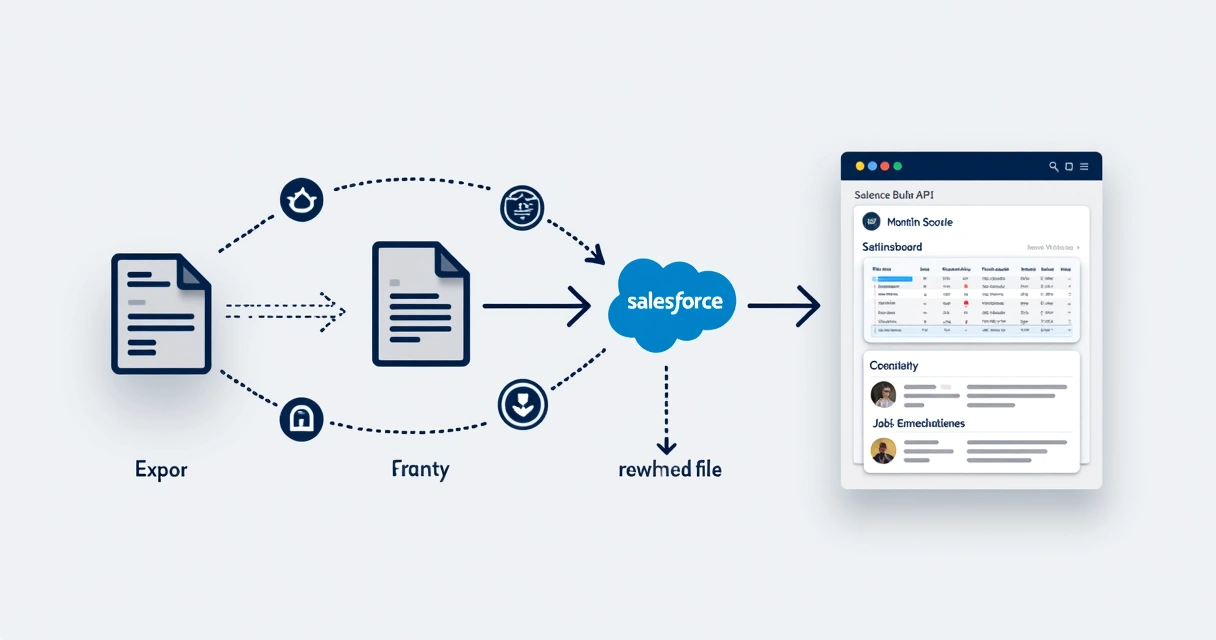
The secret behind Bulk API performance lies in its asynchronous, job-based model. In summary:
- You prepare a CSV file with the records to be inserted, updated, or deleted.
- Create a Bulk API job specifying the desired operation (insert, update, upsert, delete).
- You upload the file, which will be processed in batches, each with up to 10,000 records (in more recent versions, this limit is flexible).
- The API provides the ID of each submitted job or batch.
- At any time, you can track the status (in progress, completed, with errors, etc.) and download return files with the result for each row.
- At the end, a report indicates which rows succeeded, which failed, and the details of each error.
This model allows you to send large volumes of data without relying on a permanent connection. I often use it to integrate corporate systems that export data in CSV, as mentioned above.
Monitoring jobs in Bulk API keeps you from being left in the dark about the success of your integration.
A major example of public API automation can be seen in the Cidelândia City Council, which offers CSV and JSON integrations that make public information accessible and demonstrate in practice the value of APIs for data at scale.
Tips on authentication, error handling, and integration security
Over the years, I have learned that Salesforce integrations require special attention in three areas: authentication, error handling, and data security.
Authentication
Both APIs work with OAuth 2.0 (modern) or login/password/security token authentication (more traditional), but I always recommend OAuth, even if it seems cumbersome at first.
OAuth provides temporary tokens, the ability to revoke access, automatic refresh policies, and is much safer than fixed credentials in configuration files.
Error handling
- With the Bulk API, never assume every record in your batch was processed without errors—always download the results and review each row.
- With SOAP API, review the detailed return after each call: the response specifies the status of each record.
- Automate the generation of logs for both requests and error handling for auditing and future reprocessing.
Security
Never transmit sensitive data without active TLS encryption. Provide only the minimum access necessary for the integration, avoiding the use of admin users. Configure profiles and permissions in Salesforce, limiting what each integration can do or access.
Also, keep an eye on daily API call limits to avoid blocking critical system processes.
 Best practices: imports, updates, and bottleneck-free performance
Integrating systems is more than transferring data — it involves ensuring the result is efficient and reliable. When working on Weenow projects, I adopted the following practices:
- Split large imports into several smaller parallel jobs to speed up Bulk API processing.
- Define the update field (upsert) when importing data, using unique external keys. This prevents duplicates and reduces problems.
- For critical records, always test in a sandbox before running final data loads.
- Never import every object at once: follow an order that respects dependencies (such as accounts before contacts, products before opportunities, etc.).
- Schedule integrations outside peak business hours, reducing the risk of excessive consumption of Salesforce API limits.
- Visually monitor submitted jobs, configure alerts for recurring failures, and establish reprocessing routines.
These precautions prevent bottlenecks, rework, and blocks — common problems in poorly planned operations.
Other factors to consider when choosing an API
Data format and ease of integration
Bulk API is more user-friendly for anyone already exporting in CSV, such as spreadsheets and database reports. SOAP API, on the other hand, tends to be preferred by systems already accustomed to the XML/SOAP standard and WSDL Web Service integrations.
Need for immediate feedback vs. batch processing
If your workflow requires immediate confirmation to the user or system (e.g., order confirmation), SOAP is better. If volume matters more and response time is not critical, Bulk is a good fit.
Governance, traceability, and auditing
Traceability is another consideration. Bulk API jobs are accessible through the Salesforce dashboard, making auditing easier. Because the SOAP API is synchronous, it requires external application logs for complete traceability.
How to monitor and scale large-scale integrations
In projects delivered to education, construction, and retail companies, WeeNow monitored jobs using customised dashboards and automated reports. These tools help anticipate bottlenecks before they cause impact and ensure manual and automatic scalability as the company grows.
Proactive monitoring is the differentiator for environments that can never stop.
In projects such as those demonstrated in specialized content on Salesforce APIs and in the Salesforce developer training, I use dashboards to control every aspect of large-scale processing.
Complementing your strategy with specialists
For me, few decisions influence an integration project as much as choosing the right API and applying the best practices recommended by specialists. Always assess your data volume, transaction type, and response-time criticality.
For projects with a more complex scope or growing challenges, it is worthwhile to seek detailed information, such as Salesforce specialization categories, or consult broader Salesforce content.
Whether in internal projects or through consultancies such as WeeNow, which has already delivered thousands of hours of integration projects, the differentiator lies in the responsible use of APIs and command of best practices for the world's leading CRM.
The right API, smooth operations, and an accelerated business.
If you want to broaden your perspective and truly transform your Salesforce integration, it is also worth learning how to become Salesforce consultant and participate in the market's most dynamic digital ecosystem.
Conclusion
Understanding the difference between Salesforce Bulk API and SOAP API is the first step to getting the most out of this world of integrations and automations. The Bulk API handles massive data loads with performance and stability, while the SOAP API ensures targeted, detailed, and controlled integration for more sensitive routines. Each project, context, and data volume requires careful, customized assessment.
In WeeNow's day-to-day work, this choice results in successful integrations and satisfied clients across a wide range of sectors. If you want to digitally transform your corporate environment with Salesforce best practices, I invite you to discover WeeNow's consulting and technology solutions. Your company can go further when systems integration is efficient, secure, and tailored to your goals.
Frequently asked questions
What is the Salesforce Bulk API?
The Salesforce Bulk API is an integration interface designed to process large volumes of data (inserts, updates, deletions) asynchronously and efficiently, using CSV files as its basis. It lets you divide data into batches, monitor job progress, and obtain detailed processing reports, working especially well in migration scenarios, ERP integrations, or large-scale automation.
When should I use the Bulk API?
I always recommend the Bulk API for operations involving thousands to millions of records, such as imports, periodic synchronization of large databases, or when data must be processed in batches without immediate feedback. It is ideal for overnight routines, legacy-system migration, or mass marketing automation.
What is the difference between the Bulk API and SOAP?
The main difference is the focus of each one: the Bulk API handles large volumes of data asynchronously and in batches using CSV, while the SOAP API is designed for individual transactions, with immediate detailed feedback and XML data. While Bulk handles scale and performance scenarios, SOAP serves transactional integrations and routines that are sensitive to instant confirmation.
Is the Bulk API faster than SOAP?
In terms of records processed over time, Bulk API can handle enormous volumes simultaneously because it splits data into parallel batches. However, time to final results may be longer due to its asynchronous nature. SOAP API processes records immediately, but at a much smaller scale. Bulk is preferable for large loads.
How do you integrate data using SOAP in Salesforce?
Salesforce integration through SOAP takes place via standardized Web Services, using XML messages transmitted over HTTP(S). Simply generate the WSDL in Salesforce, import that file into your external system (ERP, CRM, or app), and configure appropriate authentication (preferably OAuth). Send requests according to the service model (e.g., create, update, query), receive responses immediately, and handle errors based on the codes and messages returned by the API.
Continue reading
Related posts

MuleSoft and Salesforce: what they are and how to integrate systems and data
What MuleSoft is, how it integrates Salesforce with other systems through API-led connectivity, what changes with Agent Fabric in the AI era, and how to adopt it with governance. WeeNow's enterprise guide.

Salesforce for Ecommerce: Guide to Solutions and Integrations
Discover Salesforce Commerce Cloud solutions for ecommerce, integrating CRM, ERP, AI, inventory and automation.

Salesforce integrations: 7 essential tools and strategies
Discover strategies and tools to integrate Salesforce with APIs, artificial intelligence, and enterprise automations.